
The Problem
There’s no shortage of music practice apps. Most of them suffer from the same problems: cluttered interfaces that compete for your attention, feature sprawl that turns a simple practice session into a setup task, and a clinical aesthetic that feels nothing like the analog tools musicians actually love.
As a guitarist, I kept switching between three or four separate apps mid-practice — a metronome here, a tuner there, a timer somewhere else. Every switch broke focus. Every app had a different design language, different interaction patterns, different philosophies about what mattered.
The deeper problem wasn’t the apps themselves. It was that none of them understood what practice actually is: a ritual. Something you want to slip into, not configure.
What It Does
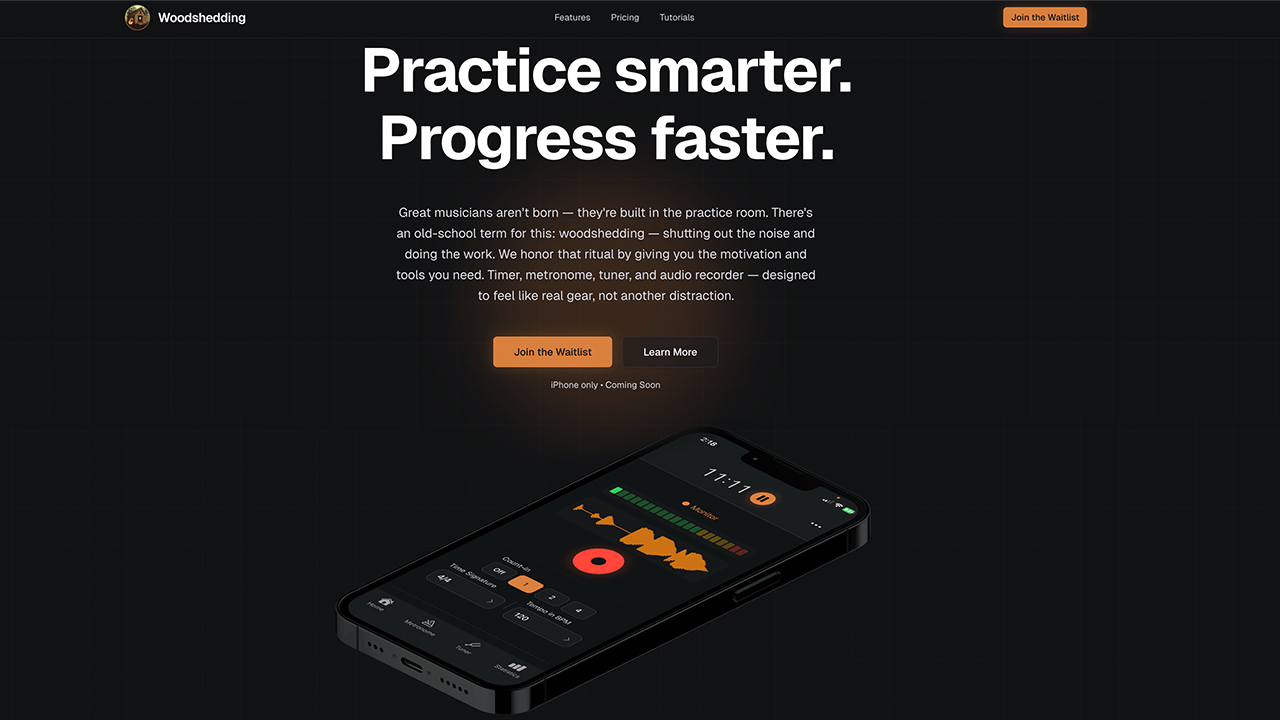
Woodshedding combines five tools into one hardware-inspired app, available free with a 14-day premium trial, and $4.99/month or $39.99/year thereafter.
Practice Timer
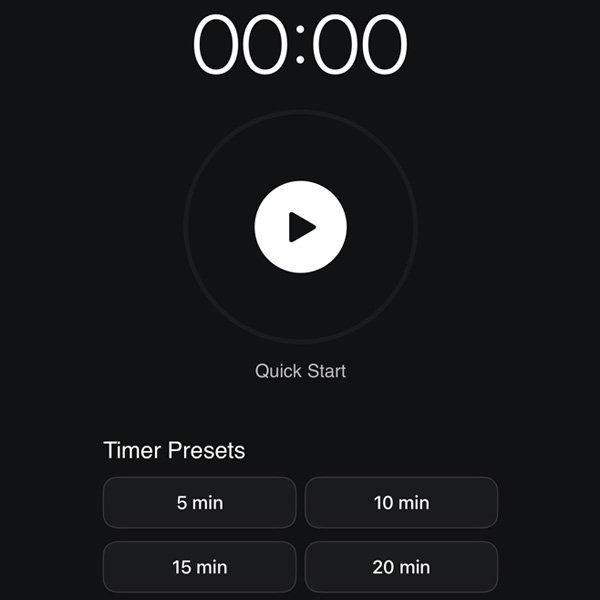
Four preset durations in the free version — 5, 10, 15, and 20 minutes. Premium adds custom presets with user-defined labels. The timer runs in the background so you can lock your phone or switch apps without losing your session. An overtime tracking feature lets you keep playing past your target and decide later whether to count those extra minutes. A Lost Practice feature lets you log sessions you forgot to track, up to 2 per month.
Metronome
40–220 BPM with tap tempo. The free version includes three time signatures (4/4, 3/4, 6/8). Premium unlocks eight preset time signatures — including 5/4, 7/4, 12/8, and 9/8 — plus fully custom options, subdivisions from quarter notes to sixteenth notes, and four swing feels from straight to heavy. Pattern Mode (premium) adds a library of polyrhythms, Latin claves, and world grooves, each with two independently controllable streams so you can isolate and practice individual rhythmic voices.
Tuner
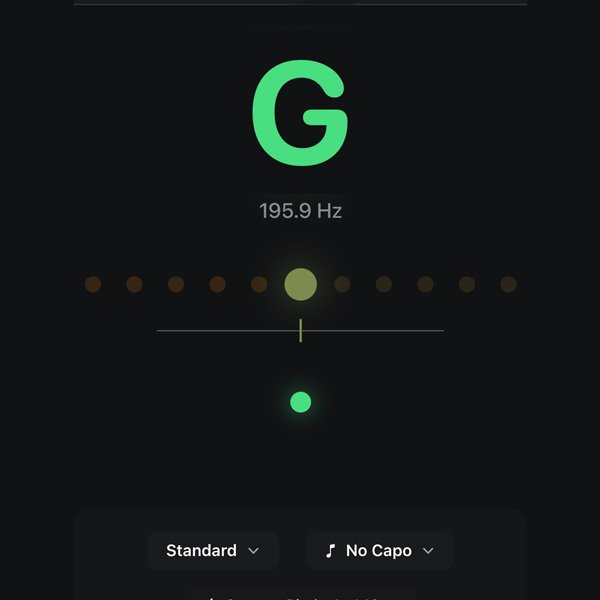
Standard tuning is available free. Premium unlocks 17 alternate tunings for guitar, bass, ukulele, and banjo — including Drop D, DADGAD, open tunings, and historical options like Rain Song. Capo support from frets 0–12, including combinations with alternate tunings. Concert pitch adjustment from 390–490 Hz for playing with orchestras or historical ensembles. The tuner is accurate to ±1 cent using FFT+HPS algorithms, with an LED-style visual display that responds in under 20 milliseconds.
Audio Notebook
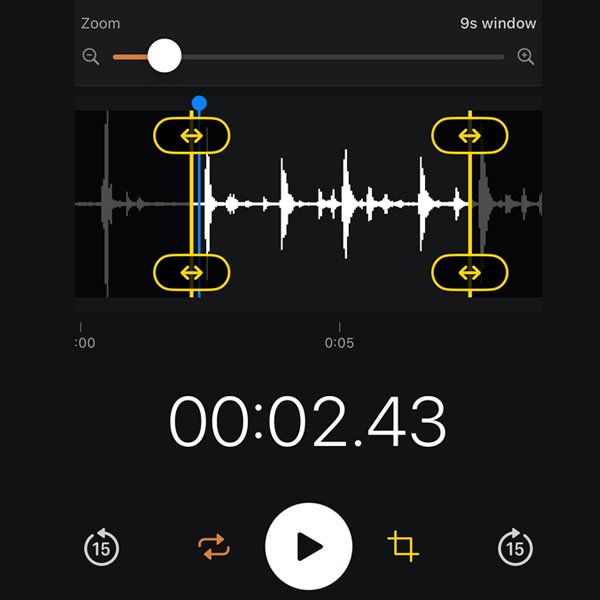
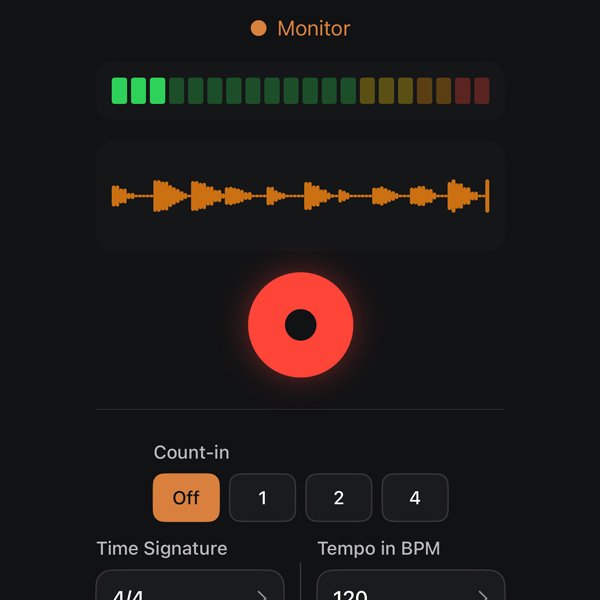
Records with a count-in synced to your metronome tempo. Live waveform display and input level monitoring. Warmth processing adds a vintage studio character — a master slider for quick results, with individual tube character, compression, and EQ controls available for more precise shaping. Recordings can be looped for playback. The free version covers basic recording; premium adds waveform editing, looping, and the full warmth processing controls.
Goal Setting
Set specific weekly practice targets — practice type, days of the week, and minimum session duration. The free version supports one active goal; premium supports unlimited goals, streak history, and Makeup Sessions, which let you log a session on an unscheduled day to cover a missed one within the same week. Goals integrate with the timer so a session automatically counts toward a goal when the practice type and duration match.
Statistics
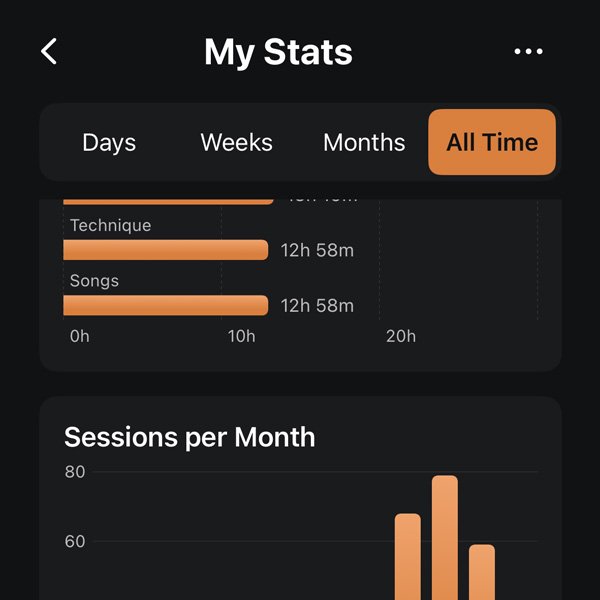
Tracks practice streaks, daily totals, session history, and practice type breakdown. Free users see the last 30 days; premium users get full history and detailed analytics.
Design Decisions
Hardware-inspired visual language
The app is designed to feel like gear, not software. The dark theme, amber accent color, large tactile controls, and LED-style tuner display all reference physical instruments and studio equipment. This is appropriate for dimly lit practice rooms and reduces visual fatigue during long sessions — but it’s also a deliberate choice about what kind of product this is. It should feel like something you own, not something you use.
One tap to start
Every screen is designed around the assumption that you want to start immediately. Timer presets are one tap. The metronome play button dominates the screen. The record button is the visual center of the Audio Notebook. Configuration is available when you want it — it’s just not in the way when you don’t.
Free tier that’s genuinely useful
The free version isn’t a demo. A musician can use the timer, a basic metronome, standard tuner, basic recording, and one practice goal without paying anything. Premium deepens every feature substantially — but the line between free and premium was drawn so that free users get real value, not frustration.
What Was Built
- iOS app — design, development, and App Store submission
- Freemium subscription model — monthly ($4.99) and annual ($39.99) tiers with a 14-day free trial of premium
- Marketing site — feature pages, pricing, App Store integration
- Six tutorial pages covering every feature in detail
- FAQ covering quick start, features, pricing, and troubleshooting
- Blog
- Newsletter
Everything was designed, written, built, and shipped independently.
Reflection
Woodshedding is the project where the UX discipline from 18 years of institutional web work translated most directly into product decisions. Designing for users who are interrupted, time-constrained, and often in the middle of doing something else — which is most of what healthcare and government web work requires — turns out to be exactly the right preparation for designing a tool musicians use mid-practice.
The most useful constraint was self-imposed: every feature had to earn its place. A product that does less, but does it with conviction, is almost always more useful than one that tries to do everything.