
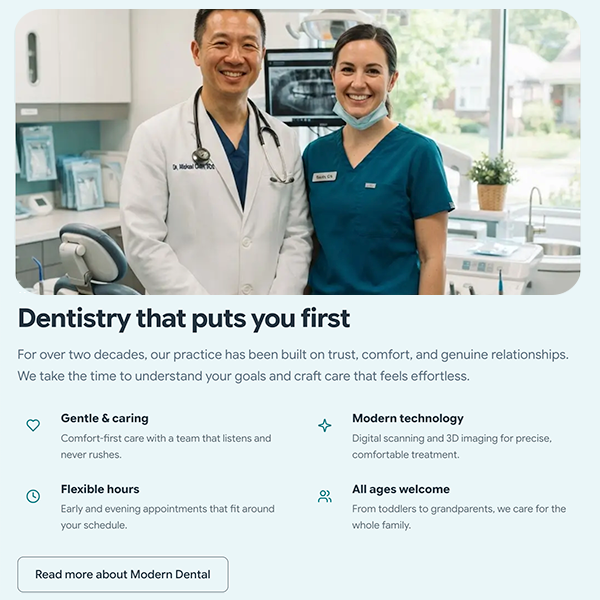
The Brief
A dental practice site needs to do a small number of things well: communicate trust immediately, make it easy to book an appointment, present services clearly, and hold up under the scrutiny of patients who are already anxious before they’ve even walked in the door. The design had to be calm, clean, and fast — and the content management experience had to be simple enough that staff turnover never left a section blank or broken.
What Was Built
11-section page builder
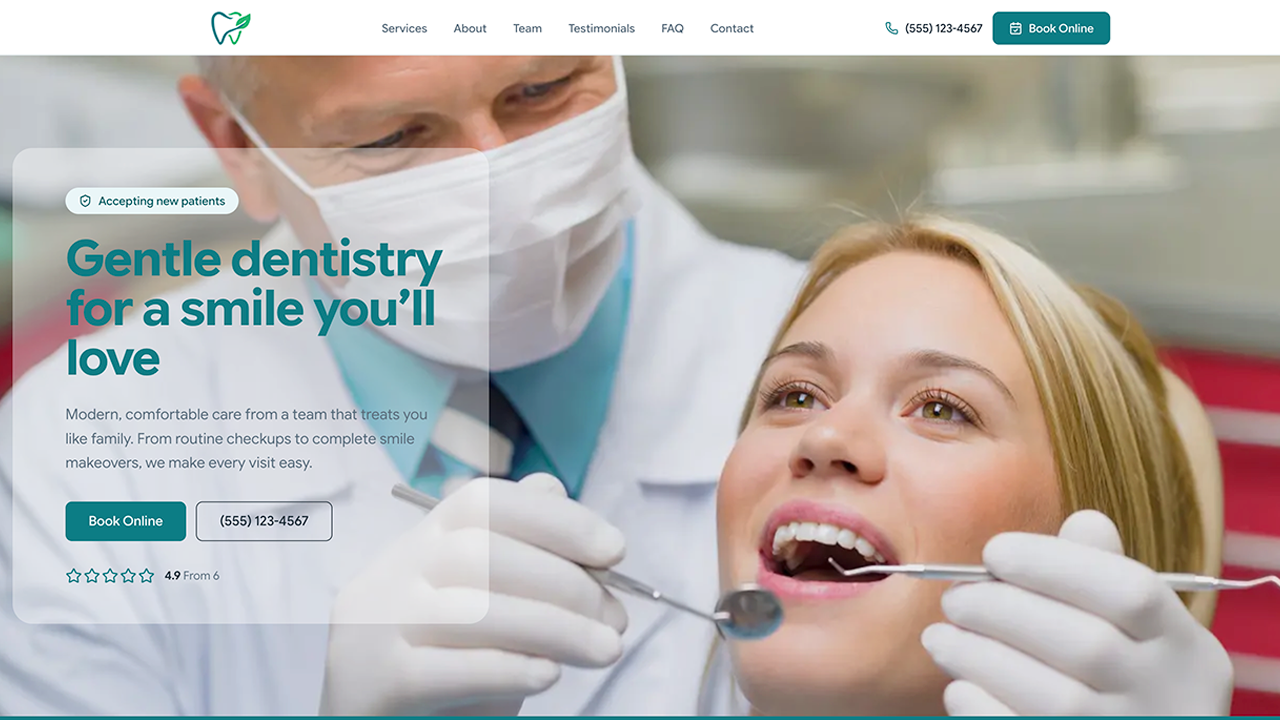
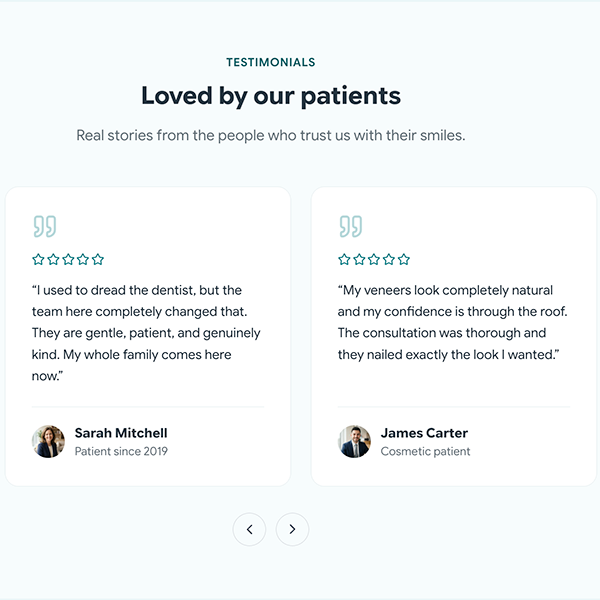
Hero, stats, services, team, testimonials, FAQ, gallery, CTA, and more — all field-driven through Carbon Fields with settings, defaults, and graceful empty states. Every section can be populated or left out without breaking the layout.
Services custom post type
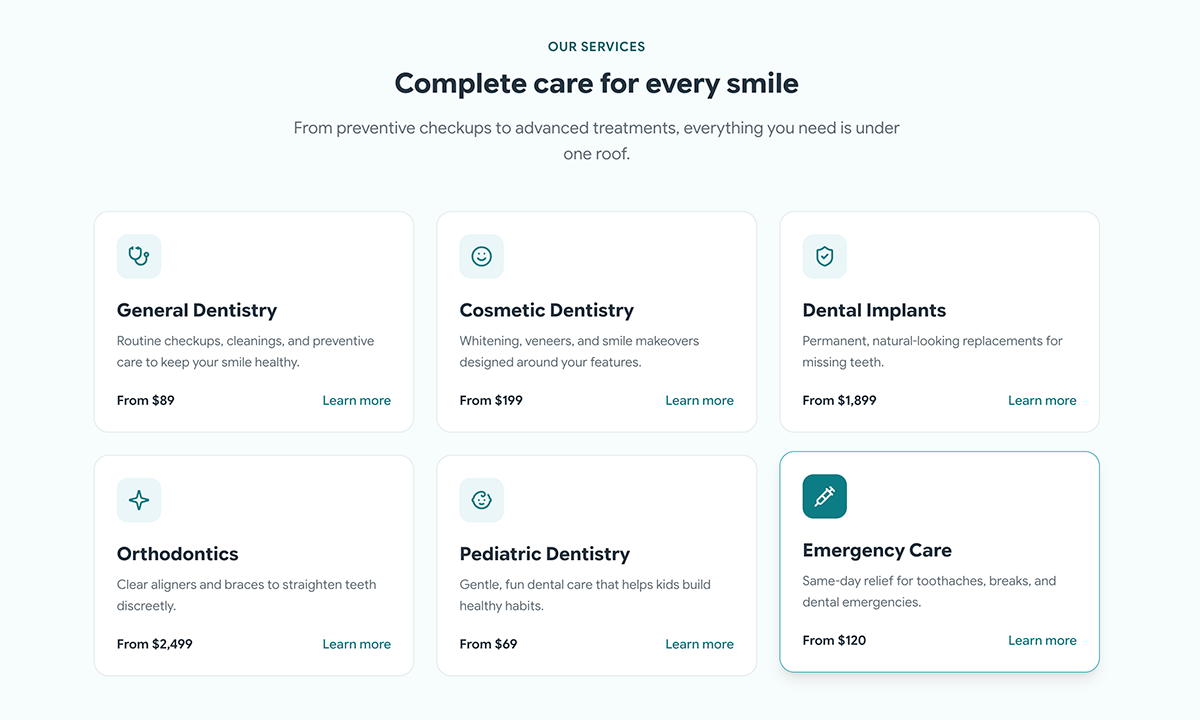
Services are managed through a dedicated custom post type with icon, pricing card, feature list, and related services fields. One data source drives the services grid on the homepage, individual service detail pages, and the JSON-LD schema — no duplication, no drift between what appears in different places.
Mobile action bar
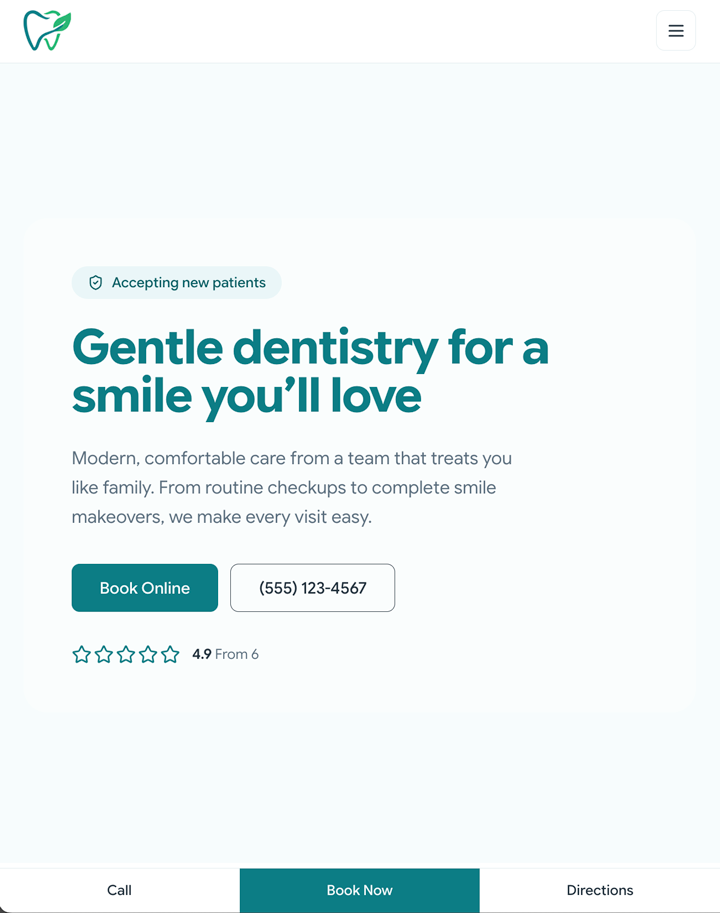
On mobile, a sticky app-like bar sits at the bottom of the screen with Call, Book, and Directions actions — driven entirely by Theme Settings so no code changes are needed when contact details change. Built with iOS safe-area inset support so it sits correctly above the home indicator on newer iPhones.
Tailwind + GSAP
Client design tokens — typeface, colour palette, border radii — are configured through Tailwind rather than hardcoded, making the theme straightforward to adapt for a different brand. Subtle fade-up entrance animations are handled by GSAP with prefers-reduced-motion support, so users who have opted out of motion in their system settings get a static experience.
Schema and SEO
JSON-LD structured data for LocalBusiness, BreadcrumbList, and BlogPosting is built directly from Theme Settings data — no manual markup needed. A kill-switch is included for coexistence with third-party SEO plugins to avoid duplicate output.
Security hardening
XML-RPC disabled, REST API user enumeration closed, author probe blocked, version meta removed — all implemented as filterable functions so nothing is locked in if requirements change.
Self-monitoring
Weekly CI runs on GitHub Actions. Dependabot handles composer, npm, and actions dependency updates. PHP compatibility is tested against both 8.2 and 8.3. A health-check script sends failure emails automatically — the site reports its own problems rather than waiting for someone to notice.
Editor guide
Documentation for every editable section lives inside wp-admin as a custom admin page — plain-language instructions written for non-technical staff. It ships with the theme so it’s always available regardless of who is managing the site.
Full template hierarchy
Every post type and edge case is covered — single service pages, archive templates, 404, search results, and more. Nothing falls back to a generic layout unexpectedly.
Reflection
The most important decisions in a project like this are the ones that happen before a line of code is written — what gets a settings field, what gets hardcoded, what gets its own post type, and what the failure modes look like when content is missing or incomplete. Getting those decisions right is what makes the difference between a theme that works reliably for years and one that requires developer attention every time something changes.